Studio-Ready Fashion
From a Single Photo
Ghost mannequin shots, sewing patterns and virtual try-ons — generated by AI in under 90 seconds, no studio required.
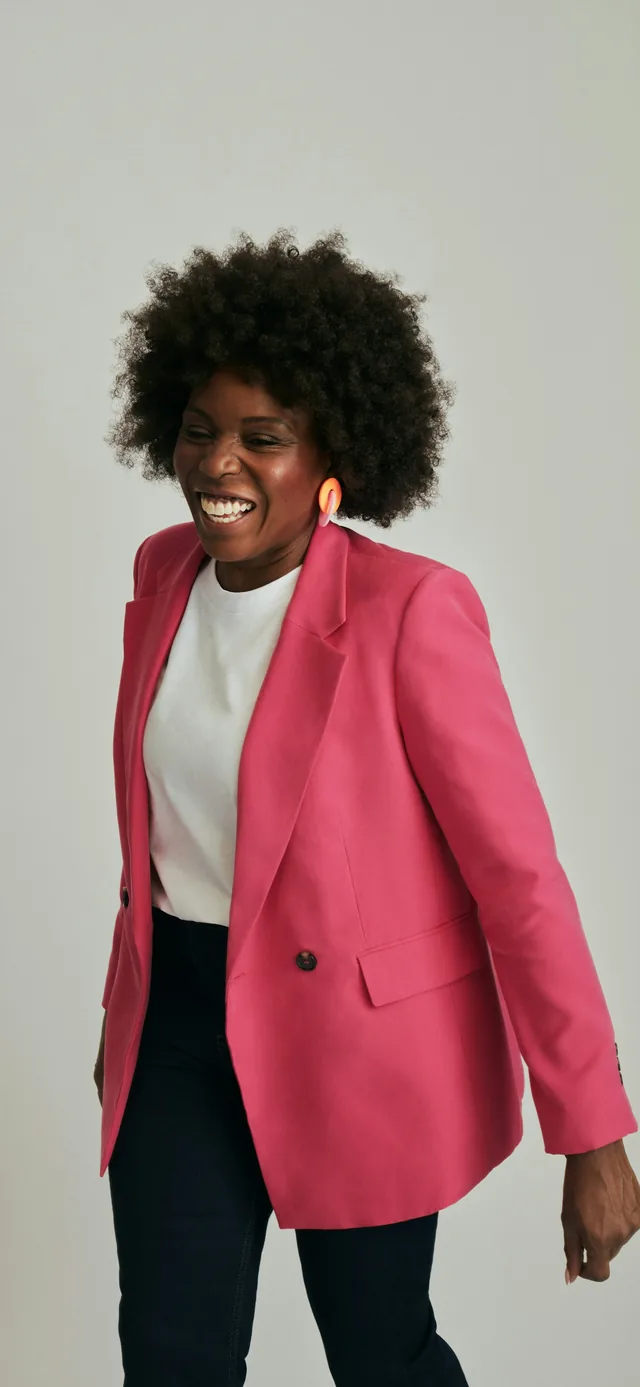
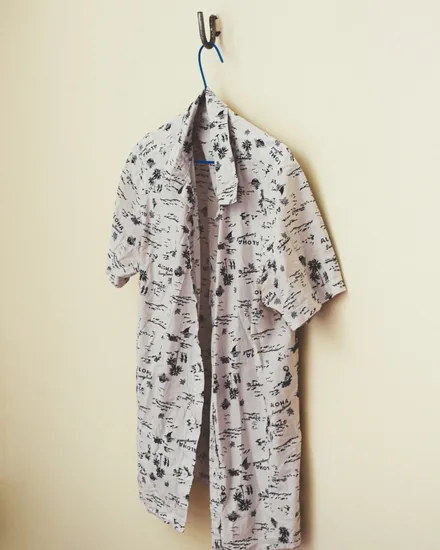
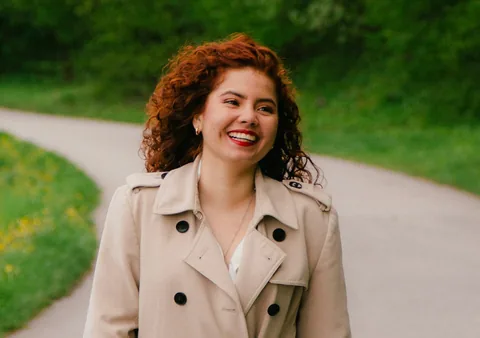
Ghost mannequin photography
Hiring a photographer and renting a studio for product shots costs thousands per collection — then hours of Photoshop retouching on top.
Ghost Mannequin toolPattern drafting from scratch
A full pattern set for one design takes days to draft manually. Any change means starting over. There is no fast path.
Pattern Generator toolPhysical sampling rounds
Samples cost hundreds to thousands each. Clients reject most of them because they cannot visualize the final garment from a sketch.
Virtual Try-On toolWeeks-long iteration cycles
One revision requires redrafting, resampling, and rescheduling. By the time feedback loops close, the season has moved on.
All three tools together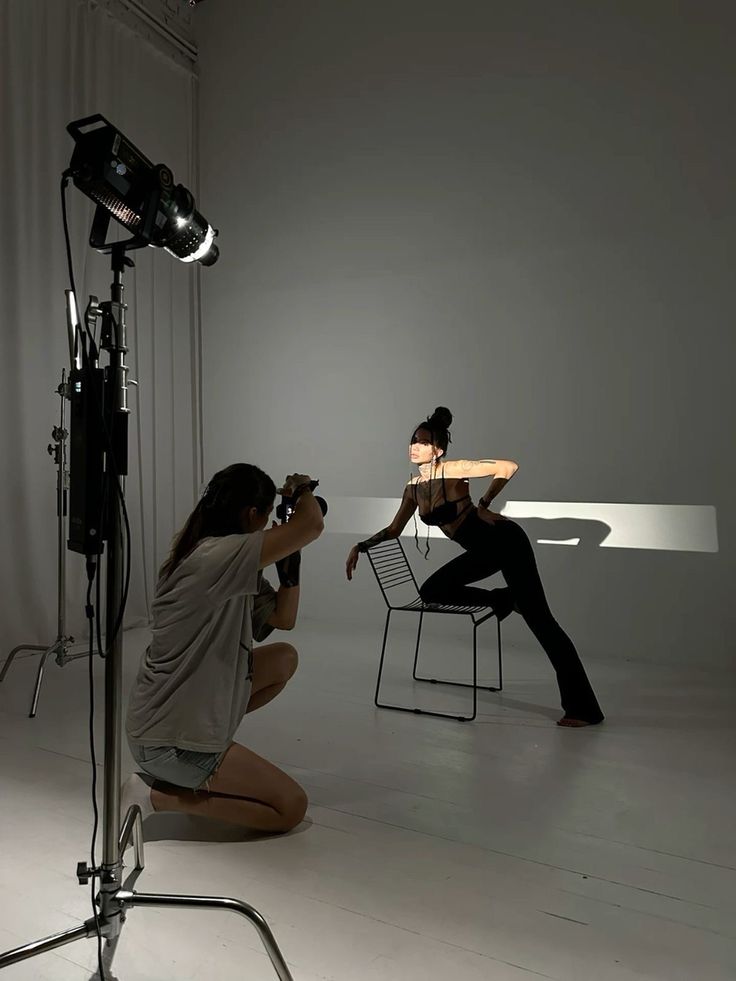
The tools
Three tools. Everything you need.
Studio-quality product shots. Without the studio.
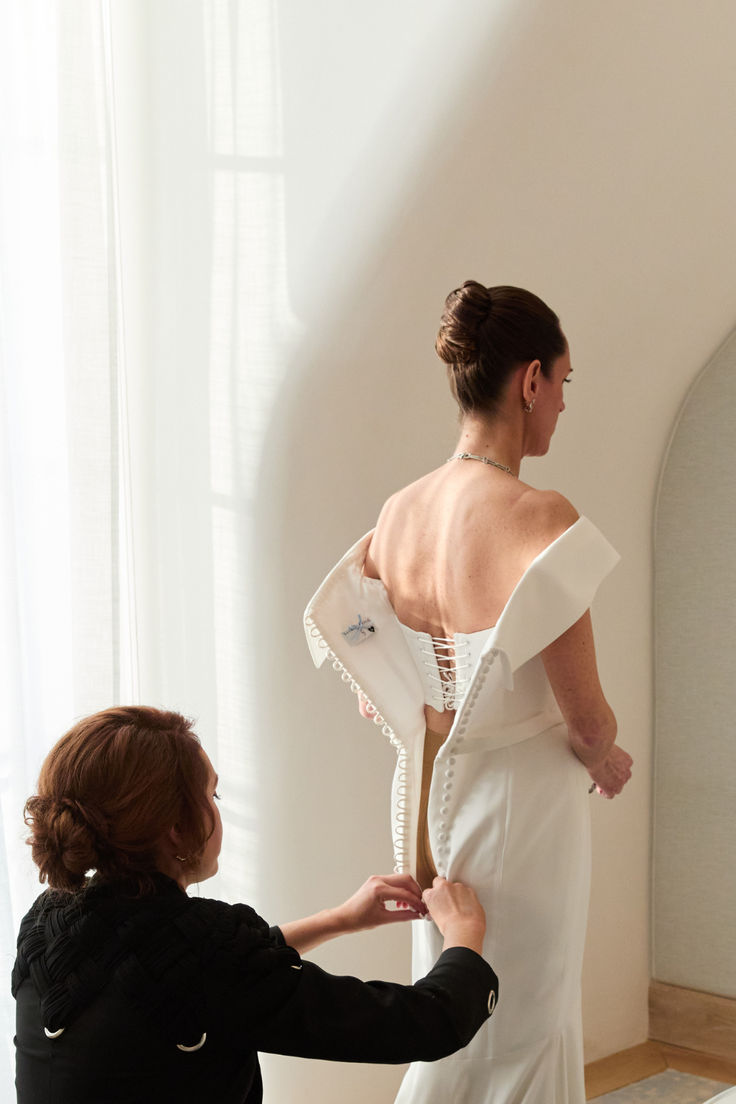
Upload a photo of a model wearing your garment. Our AI removes the person entirely and reconstructs the garment as a clean, hollow floating form — the industry-standard ghost mannequin effect used by every major fashion brand.
- Removes model body completely, preserves garment shape
- Reconstructs interior detail at neckline and armholes
- Solid ivory background, no cleanup needed
- Export as high-res PNG, ready for your webstore
From photo to sewing pattern in one click.
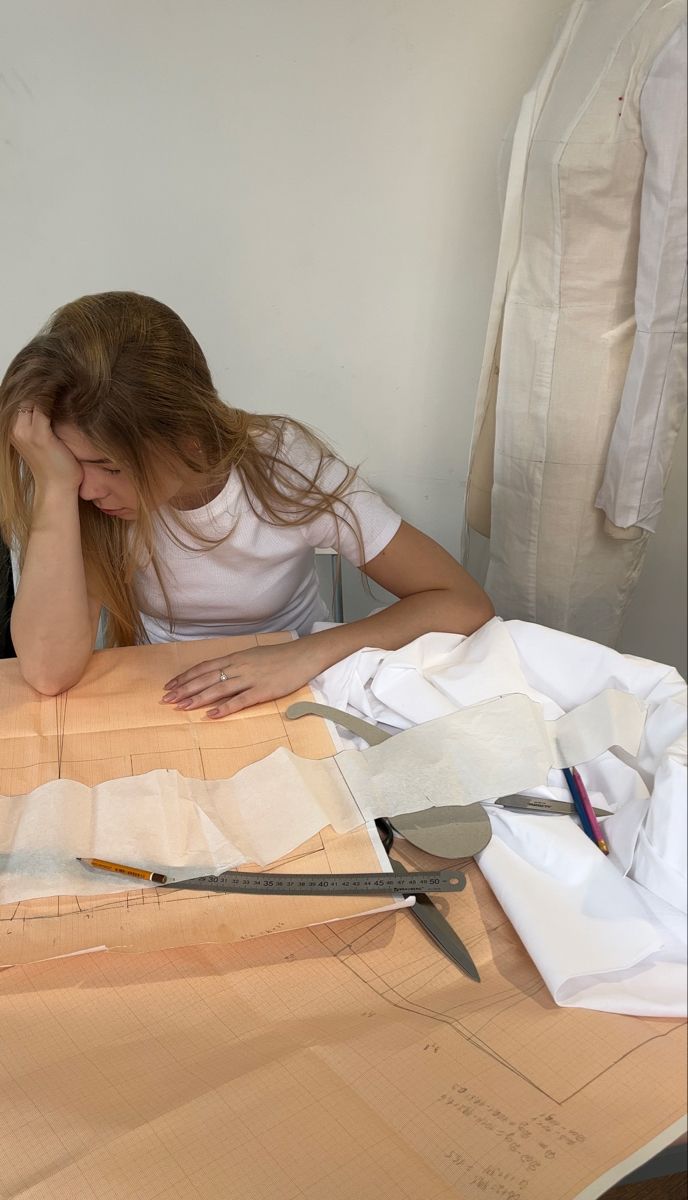
Point Atelier at any garment photo and it reverse-engineers the construction into a complete set of labeled pattern pieces — bodice front and back, sleeves, collar, skirt panels, facings — with seam allowances and grain lines included.
- AI identifies all construction pieces automatically
- Generates properly labeled SVG files per piece
- Seam allowances and grain lines included
- Export as multi-page A4 PDF ready to print and cut
See it on before it exists.
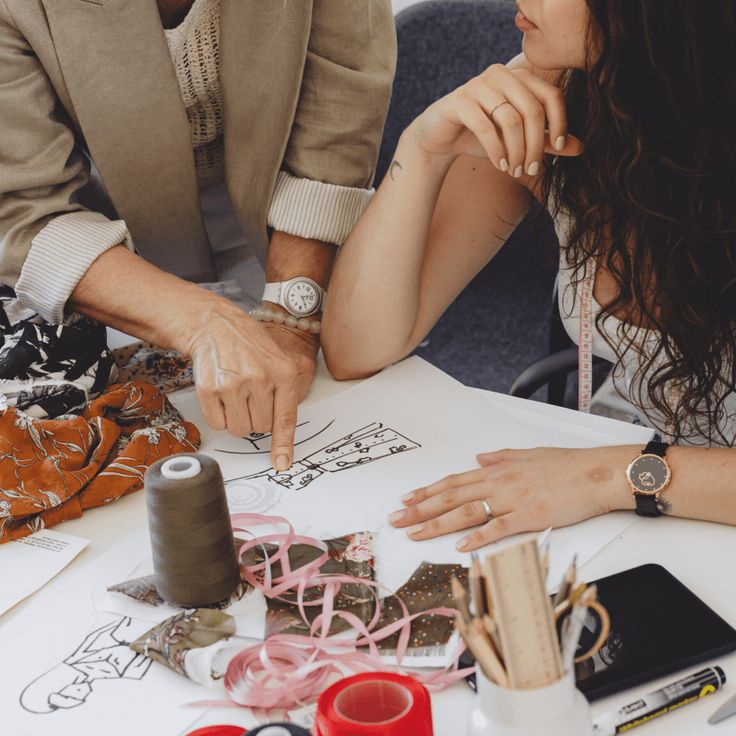
Upload your garment design alongside a photo of your client or model. Atelier composites the outfit onto the body in a photorealistic way — no physical sample required. Pitch confidently, iterate instantly.
- Photorealistic drape and fit simulation
- Works with flat-lay, model, or sketch photos
- Before/after slider comparison in the viewer
- Saves sampling costs on rejected designs
How it works
Upload. Process. Export.
That's it.
01
Upload your image
Drop any garment photo — model shot, flat-lay, or sketch. PNG, JPG up to 10MB.
02
AI does the work
Our models analyze fabric, structure, and construction details in seconds.
03
Review and export
Download high-res PNG, printable PDF patterns, or exportable SVGs.
No design skills needed
Just upload a photo. Atelier handles the technical work automatically.
Your images stay private
All uploads are encrypted and stored securely in your private account.
Built for professional output
Results match industry standards for e-commerce, pattern-making, and client presentations.
The difference
Manual vs Atelier AI
Designers say
Built for people who make things.
"I used to spend half my Monday morning retouching product photos for the website. Now I upload the shots at night and they're done by the time I wake up. Atelier has genuinely changed how I run my studio."
Amélie Fontaine
Independent Designer, Paris
"The pattern generator isn't perfect for production, but it gives me a working draft in 45 seconds that I can refine rather than starting from scratch. It's cut my pattern-making time by 60%."
Marcus Webb
Fashion Lecturer & Designer, London
"My clients kept rejecting samples because they couldn't visualize the finished piece from a sketch. Virtual try-on closed that gap completely. My approval rate went from 40% to over 80%."
Selin Arslan
Bridal Couture Designer, Istanbul
FAQ
Common questions
What kind of photos work best?
Clear, well-lit front-facing photos work best. For Ghost Mannequin, a model wearing the garment against any background is ideal. For Pattern Generator, a flat-lay or standing model photo works well. For Virtual Try-On, a full-body front-facing photo of your model with arms slightly away from the body gives the best results.
How long does processing take?
Ghost Mannequin and Pattern Generator complete in 45–60 seconds. Virtual Try-On typically takes 60–90 seconds. All processing happens asynchronously — you can navigate away and come back, or wait on the page and watch the result appear.
What file formats can I export?
Ghost Mannequin exports as high-resolution PNG. Pattern Generator exports individual SVG files for each pattern piece plus a multi-page A4 PDF with all pieces laid out for printing. Virtual Try-On exports as PNG or JPG.
Can I save and come back to my work?
Yes. Every job you run is saved to your account history. You can also click 'Save Project' on any completed result to give it a name and keep it in your Projects library for easy retrieval.
Are the pattern pieces production-ready?
The patterns are AI-generated from visual analysis, so they're excellent for drafts, toiles, and starting points — but we recommend grading and checking them against body measurements before final production cutting. Think of it as a 60% head start on your draft.
How is my data handled?
Your uploaded images are stored privately in your account (AWS S3, encrypted at rest). They are not used to train any models and are not shared with third parties. You can delete your data at any time from your account settings.
Does it work on mobile?
Yes — Atelier is fully responsive and works on mobile browsers. Uploading from your phone camera, reviewing results, and exporting all work on mobile.
Is there a free plan?
We're currently in early access. Create an account to get started — no credit card required. Pricing tiers will be introduced as the platform grows, and early users will receive preferential rates.
Stop doing manually what
AI can do in seconds.
Join designers using Atelier to cut production time, reduce sampling costs, and deliver better work to clients faster.
Create your free accountNo credit card · No setup · Results in under 90 seconds